Please call 1-800-794-1989 or use the SmartHub mobile app. To talk to a person, press zero.

Open SmartHub on your computer and sign in.
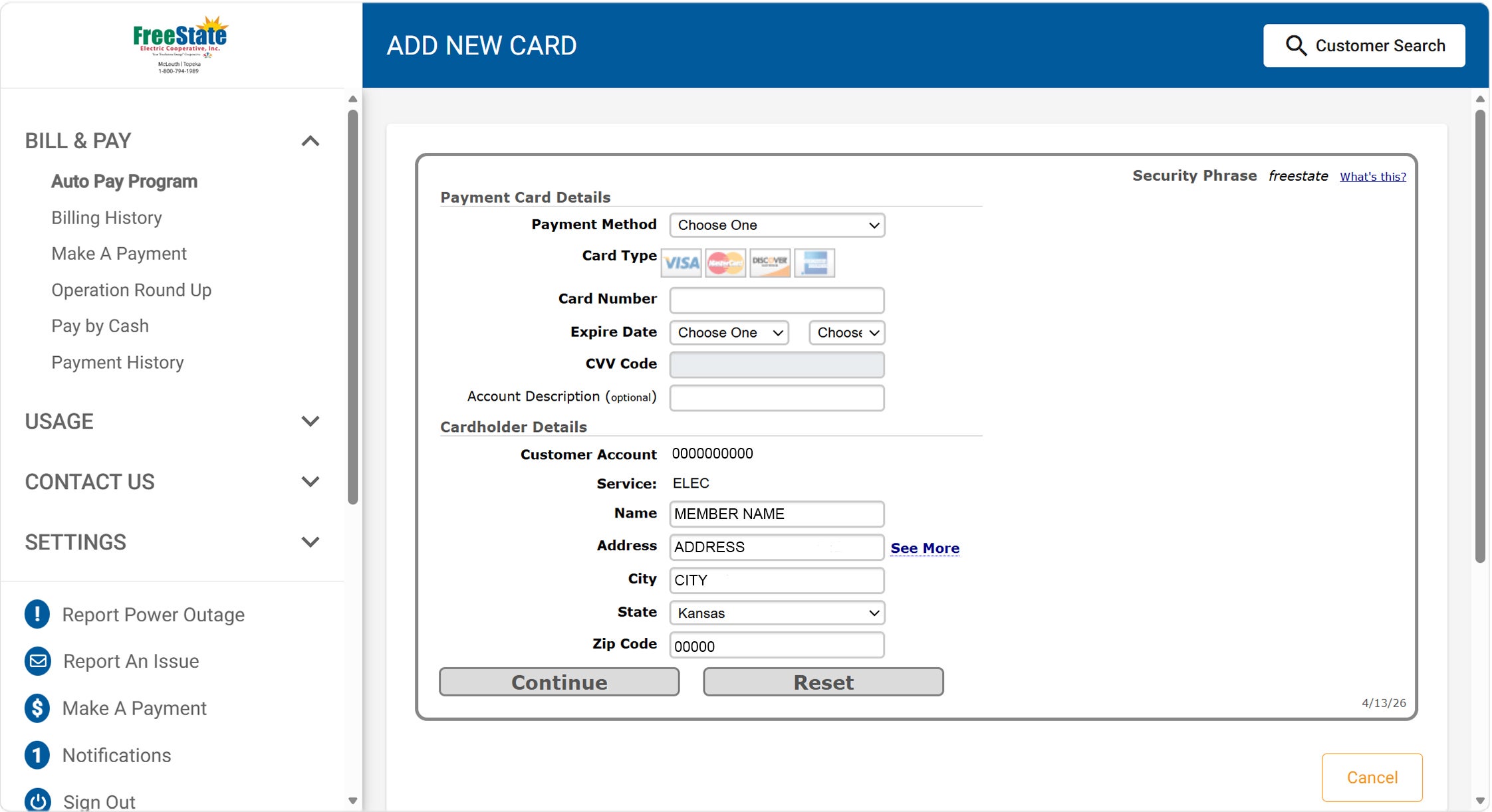
Click on the caret next to "Bill and Pay" on the left-hand column. (It is highlighted in bright yellow).
Image
Once you click the caret, more menu items will appear below BILL & PAY.
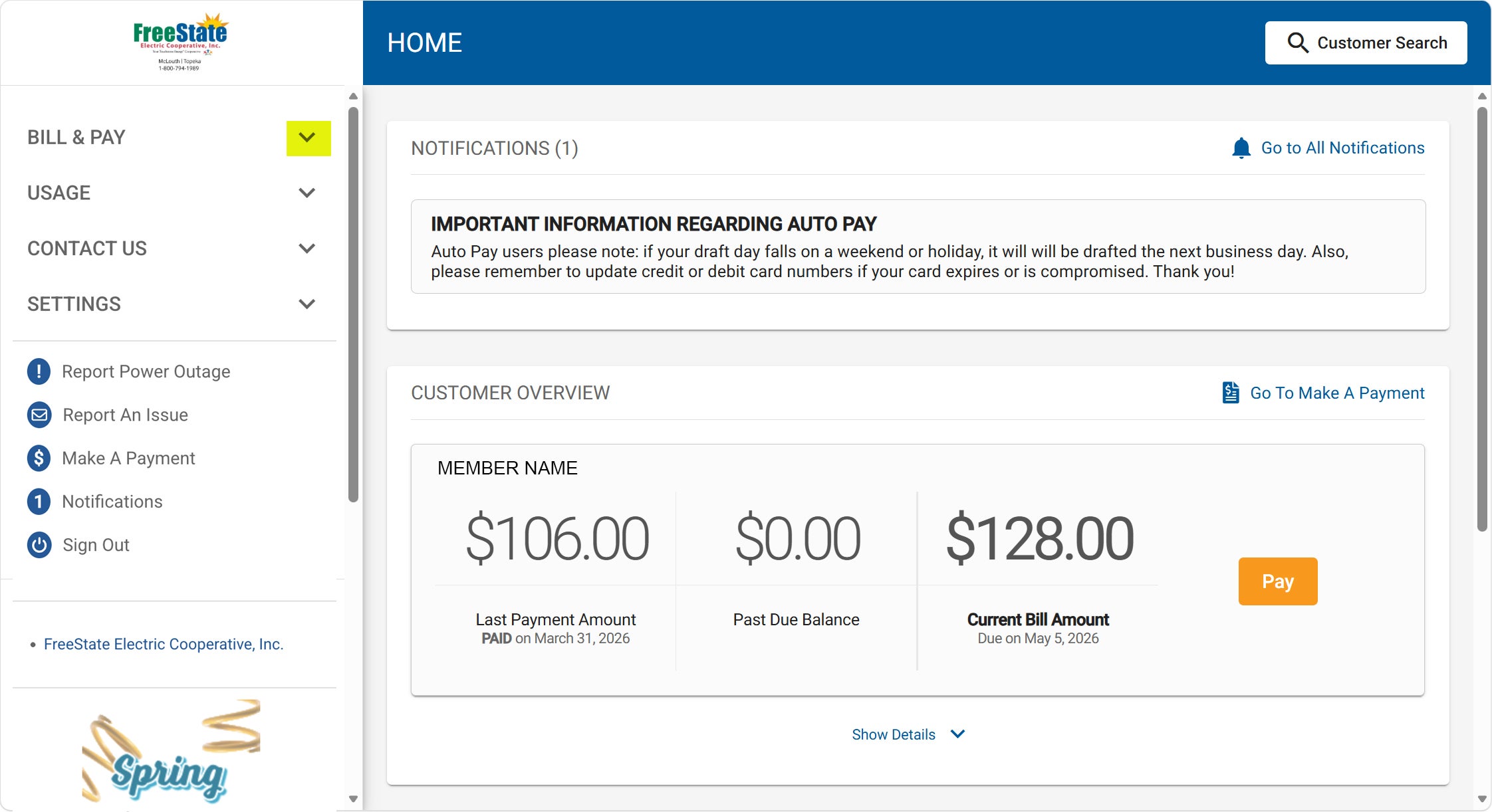
Click on Auto Pay Program (highlighted in the left column in the image) to display the terms to the right.
Click the box next to "I Agree..." (highlighted in bright yellow).
Click the "Enroll" button (highlighted in bright yellow) and select the type of payment you would like to set up. If you have payment types already saved in SmartHub, they will show up in the list.
Image
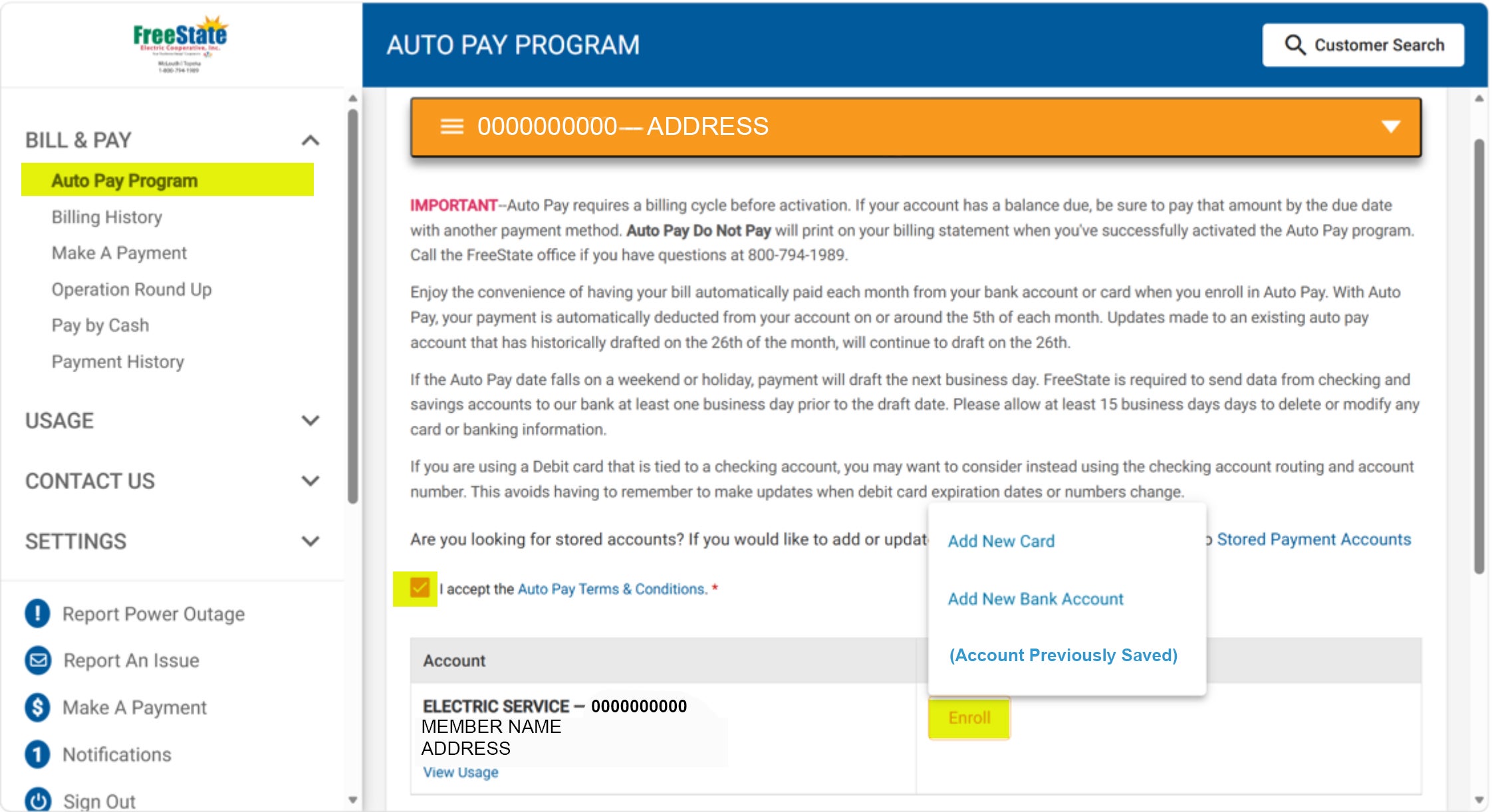
After clicking on the appropriate payment type, if it is new, complete the form that displays on your screen. (The "Add New Card" option is displayed for an example.)
Click "Continue" to confirm the information. You will get a notification if it is successful. If you want to double-check, you can call the office at 785.478.3444 and select "Zero" to speak to a representative.
Image